Podcast Cover Art Size Guide: Requirements for Apple, Spotify & YouTube
Every platform has different artwork specs. Here's exactly what you need—dimensions, formats, file sizes—plus a free tool to check your cover before you upload.
February 11, 2026. 4 min read
You’ve designed the perfect cover art, exported it, and—upload rejected. Or worse, it uploads fine but looks like a blurry blob in someone’s podcast queue. Both scenarios are more common than you’d think, and they’re almost always caused by one of a handful of fixable issues.
Here’s everything you need to know about podcast cover art sizes, formats, and requirements for every major platform.
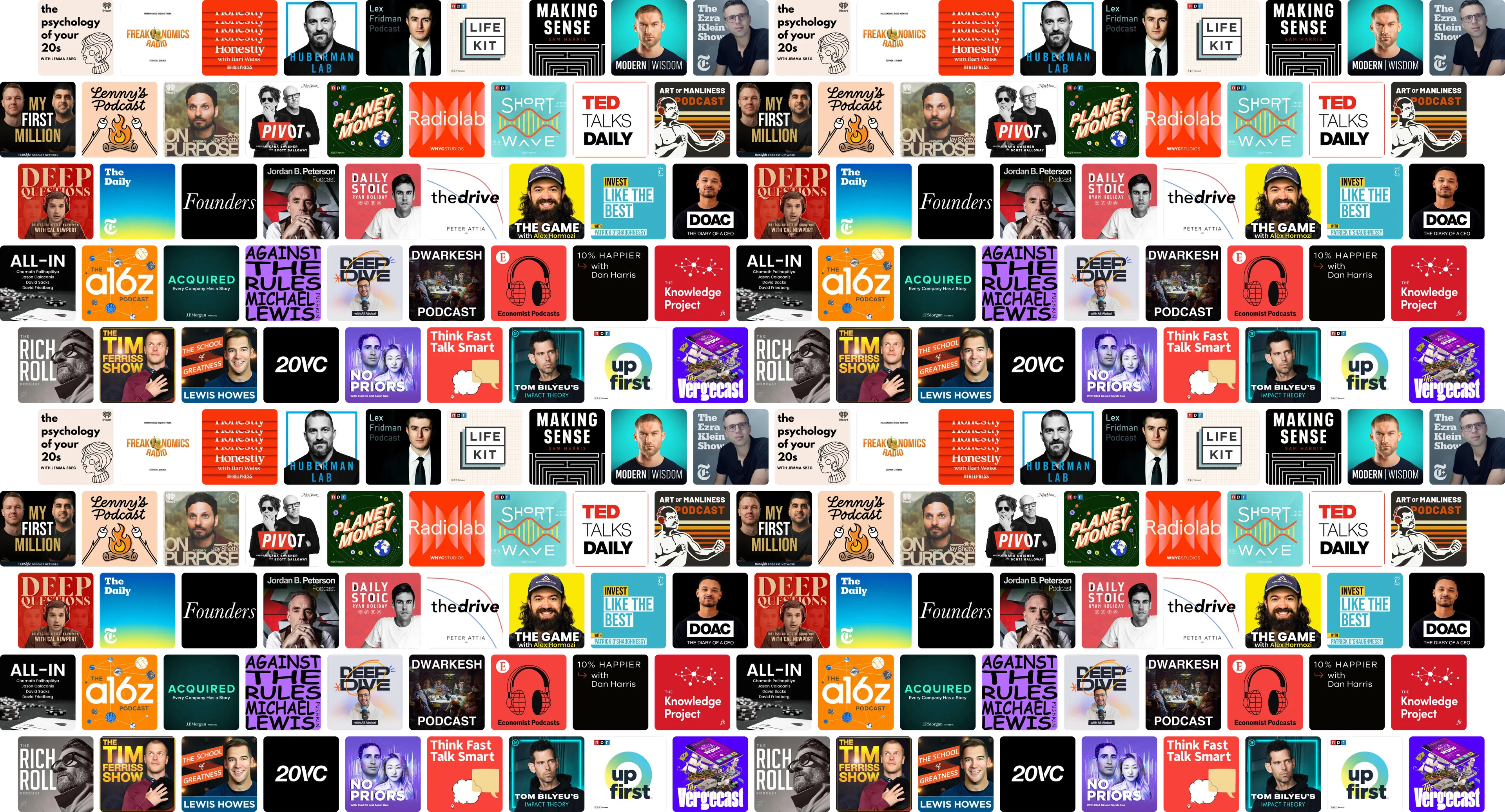
The specs you actually need
| Platform | Min Size | Recommended | Max Size | Format | Extras |
|---|---|---|---|---|---|
| Apple Podcasts | 1400×1400 | 3000×3000 | 3000×3000 | JPG, PNG | RGB only, no transparency |
| Spotify | 640×640 | 3000×3000 | 3000×3000 | JPG, PNG | — |
| YouTube | 1400×1400 | 3000×3000 | — | JPG, PNG | — |
| Google Podcasts | 600×600 | 3000×3000 | — | JPG, PNG | — |
All platforms require a square 1:1 aspect ratio. File size should stay under 512 KB for fast loading, though most platforms accept up to 2 MB.
Apple Podcasts requirements
Apple is the strictest. They require:
- Minimum: 1400×1400 pixels
- Recommended: 3000×3000 pixels
- Format: JPG or PNG
- Color space: RGB only (CMYK will be rejected)
- Transparency: Not allowed (no alpha channel)
- File size: Under 512 KB recommended
The CMYK issue catches a lot of people. If your designer created the artwork for print first, it’s probably in CMYK. Canvas and Figma always export RGB, but Photoshop and Illustrator default to whatever the document was set up with. Check before you export.
The transparency rule is another gotcha. If you exported a PNG with a transparent background, Apple Podcasts won’t render it correctly. Always flatten your artwork to a solid background before saving.
Spotify requirements
Spotify is more lenient:
- Minimum: 640×640 pixels
- Recommended: 3000×3000 pixels
- Format: JPG or PNG
- No specific color space restriction (but RGB is safer)
Even though Spotify accepts smaller images, use 3000×3000 anyway. A single high-res export works everywhere.
YouTube requirements
YouTube (for podcast RSS feeds) follows Apple’s lead:
- Minimum: 1400×1400 pixels
- Format: JPG or PNG
If your art passes Apple’s checks, it passes YouTube’s too.
Common mistakes that cause upload errors
CMYK color space
This is the number one reason cover art gets silently rejected or looks wrong after upload. The fix is simple: in your design tool, go to File → Document Color Mode → RGB. In Photoshop, that’s Image → Mode → RGB Color.
Transparent backgrounds
PNGs support transparency, but podcast platforms don’t. If your cover has a transparent background, Apple Podcasts will either reject it or render it with a black or white background that wasn’t part of your design. Flatten to a solid color before exporting.
Upscaling a small image
Stretching a 500×500 image to 3000×3000 doesn’t add detail—it just makes it blurry. If your original is too small, redesign at the correct resolution rather than upscaling.
File too large
Anything over 2 MB will cause problems on some platforms. If your PNG is too large, try saving as JPEG at 90% quality. For most cover art, JPEG is fine and significantly smaller.
How to check your cover art
You can run through this checklist manually, or use our free cover art checker to validate everything at once. It checks dimensions, format, color space, transparency, and file size—all in your browser, no upload required.
Design tips for small sizes
Your cover art spends most of its life as a tiny thumbnail. In podcast apps, it shows up at sizes like:
- 170×170 px — App listing / browse page
- 80×80 px — Player row / playlist
- 40×40 px — Queue / notification
At 40 pixels wide, fine details disappear. Thin fonts become unreadable. Busy backgrounds turn to noise. Design with these constraints in mind:
- Use bold, simple text — one or two words max
- High contrast colors — dark text on light, or light on dark
- Simple shapes — avoid intricate illustrations
- Test at small sizes before finalizing — our checker tool includes a visual preview at real app sizes
Takeaway
Export at 3000×3000, square, JPG or PNG, RGB, no transparency, under 512 KB. That single file works on every platform. If you’re not sure yours passes, check it here—it takes two seconds and everything stays in your browser.