Automatic multicam editing in Premiere Pro
WizCut cuts between speakers, switches camera angles, and keeps the whole edit inside your Premiere Pro timeline. Built for video podcasts, interviews, and roundtables.
7-day free trial. Works inside Premiere Pro.
“WizCut camera-cut our podcasts ready for the edit. It was fast, it worked very well, and the team was really supportive. I’ve already recommended it to another team.”
Stop doing the robotic part by hand
The value is not magic. It is removing the repetitive pass where you sit in Premiere clicking between speakers for an hour.
Review cuts instead of making every cut
WizCut gives you a multicam edit to review. That is a much better starting point than a blank timeline.
Keep your Premiere Pro workflow
No need to move the episode into another editor. Stay in Premiere and keep using the tools you already know.
Better fit for recurring shows
The more often you edit interviews, podcasts, and talk-heavy episodes, the more time this saves.
What the edit actually looks like
This is not a black-box export. You set up the multicam sequence, map speakers to cameras, and let WizCut build the first cut in your timeline.
1 / 4
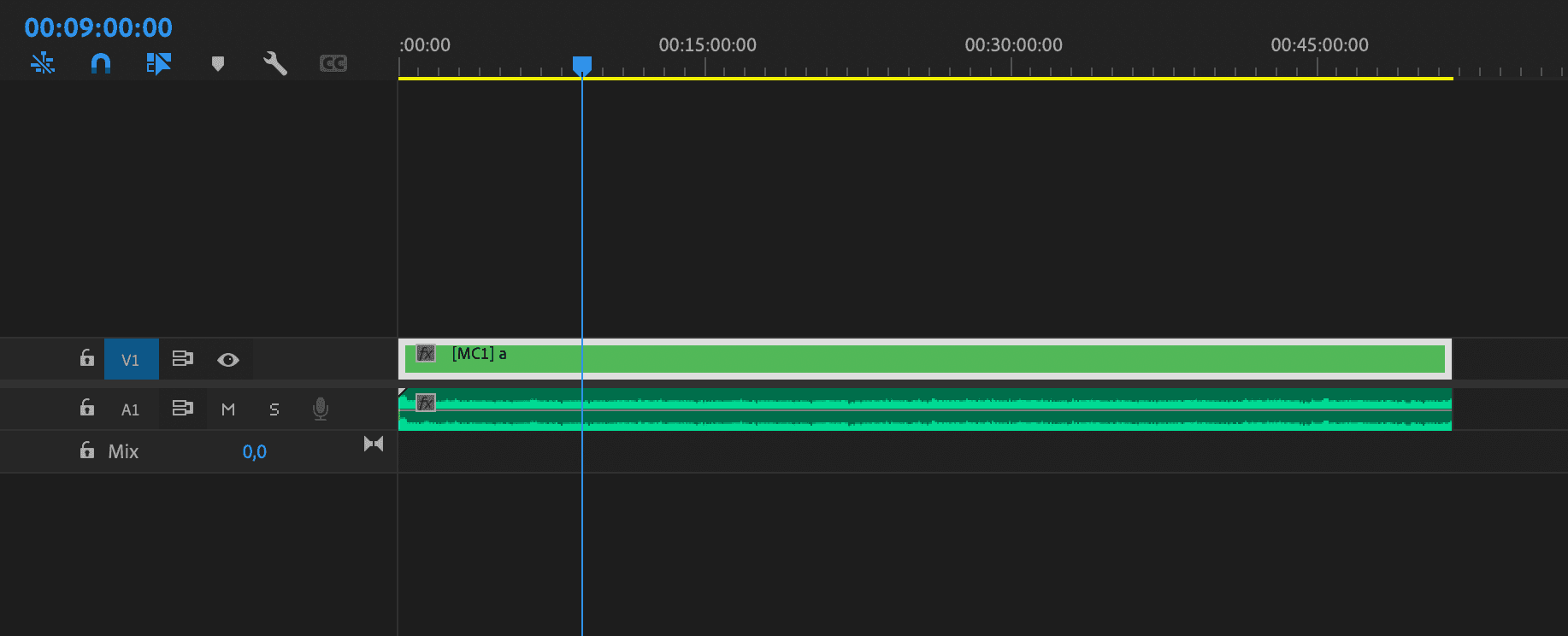
Start with your multicam timeline
Bring in your audio and multicam sequence. No export, XML round-trip, or separate editor.
2 / 4
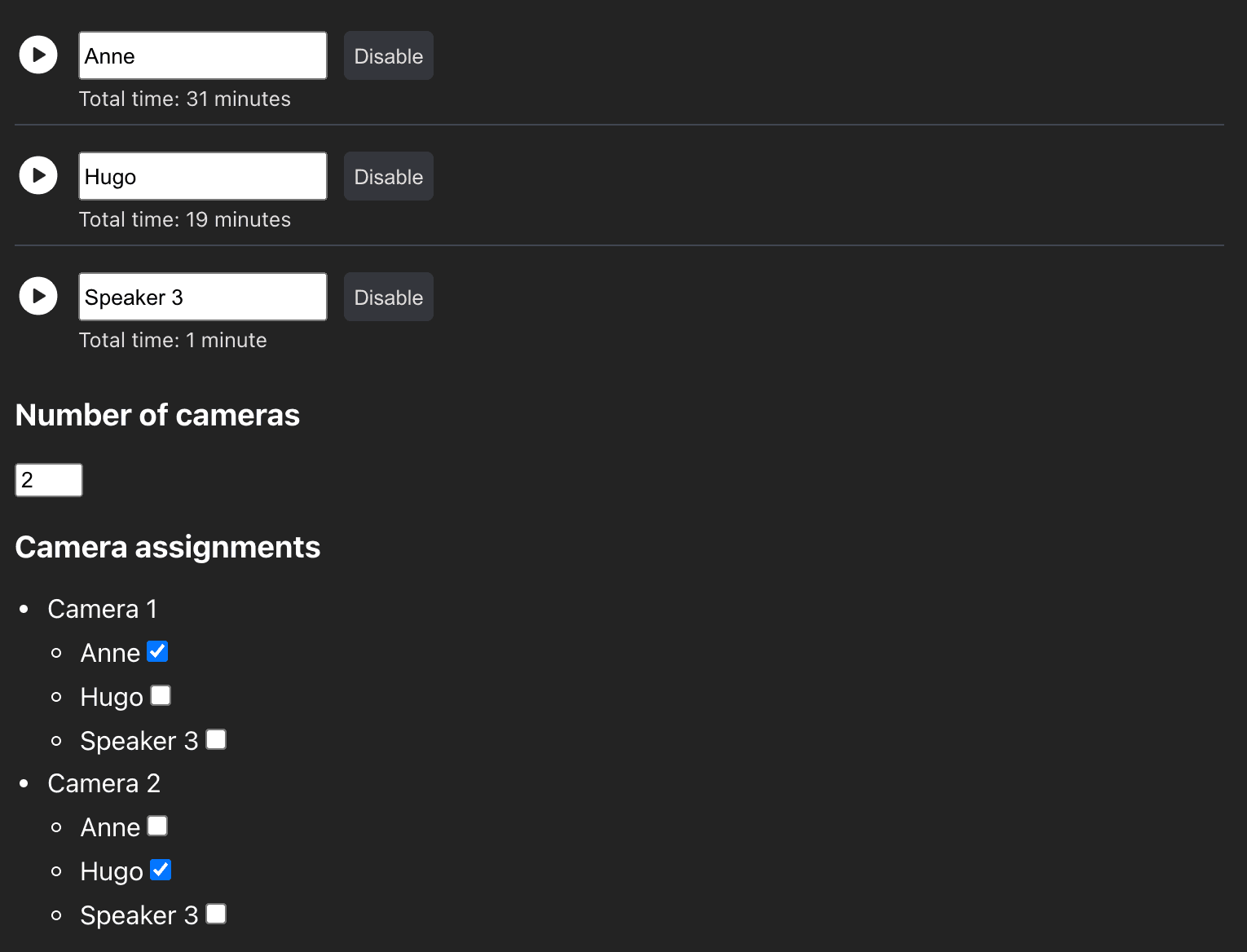
Map speakers to cameras
Name each speaker and tell WizCut which camera they appear on.
3 / 4
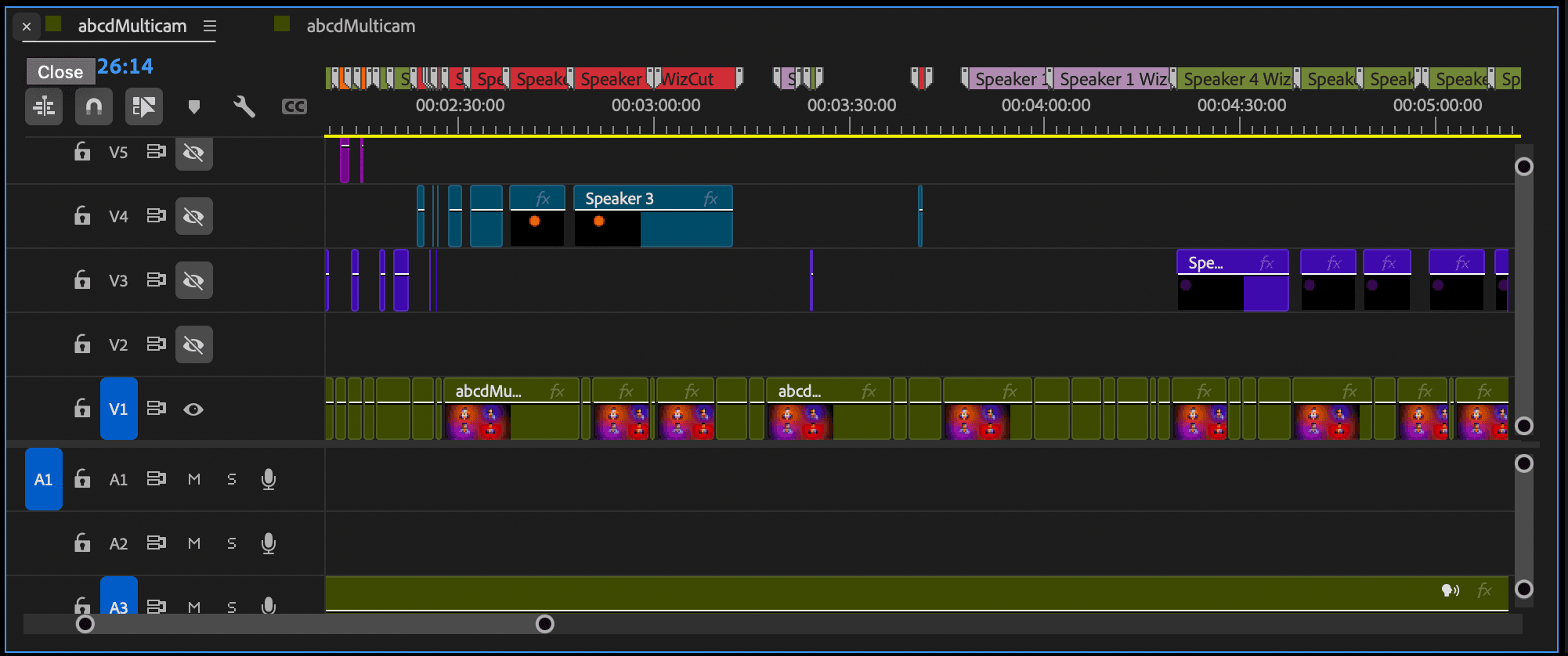
Let WizCut cut the episode
WizCut listens for speaker changes and creates camera cuts automatically inside the multicam edit.
4 / 4
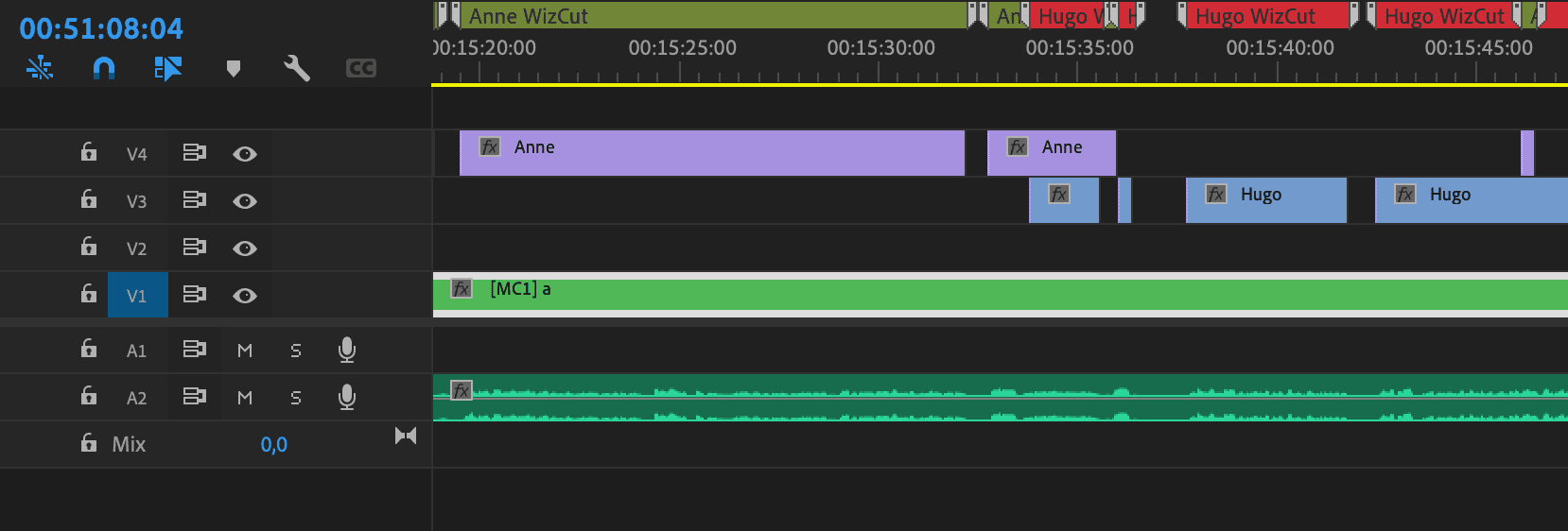
Keep visual guides if you want
Add markers and placeholder tracks that show who speaks when, so pacing and cleanup are easier.
Manual multicam vs WizCut
This page is not claiming that editing disappears. It is claiming that the first pass gets much faster.
- First pass
- ManualWatch, stop, cut, switch angle, repeat for the whole episode.
- With WizCutMap speakers to cameras, let WizCut build the multicam cut, then review the result.
- What you spend time on
- ManualMechanical camera switching and cleanup.
- With WizCutTiming, storytelling, and the few cuts you actually want to change.
- Best fit
- ManualOne-off edits or projects where manual switching is still fine.
- With WizCutRecurring podcasts, interviews, and talk-heavy shows edited in Premiere Pro.
WizCut is a strong fit if you edit:
- 2-camera and 3-camera video podcasts
- Interviews, roundtables, and speaker-led YouTube shows
- Episodes that already live inside a Premiere Pro workflow
It is a weaker fit if:
- Your angles are not synced or the source setup is messy
- The edit depends on constant manual creative switching
- You are not editing in Premiere Pro
Questions people usually ask
The short version: you still control the edit. WizCut just gives you a much better starting point.
Do I need a multicam sequence first?
Yes. WizCut works with a Premiere Pro multicam setup. If you need help with that part, use the setup guide linked on this page.
Does this work for 2-camera podcasts?
Yes. Two-camera podcasts are one of the clearest use cases. It also works for larger multicam setups.
Can I still tweak the cuts manually?
Absolutely. The result is still your Premiere Pro timeline, so you can change angles, trim cuts, and clean things up however you like.
Do I need separate audio tracks for each speaker?
Not necessarily. WizCut can work with one or multiple audio tracks, as long as the sequence is set up correctly.
See what your next multicam edit feels like with a head start
Start with the free trial, or read the step-by-step guide if you want to understand the setup first.