Why Your Next Hit Should Be a Video Podcast (Even If You’re Late)
The case for launching a video-first show now, plus the simple setup that keeps it doable.
December 15, 2025. 9 min read
I regularly hear “Are we too late to start a video podcast?” Short answer: no—and the upside is getting clearer. YouTube is quietly rewarding long-form shows, Shorts are pulling new viewers into channels, and the podcast feeds are still wide open for anyone who can ship consistently. If your team already has ideas and decent chemistry, you could be one weekend away from having a format that works on every platform.
This isn’t a hard sell. It’s the simple case for why video-first is worth it right now, plus the minimum setup I use when friends ask me to help them launch. You’ll see it’s not rocket science.
Why video-first wins in 2025
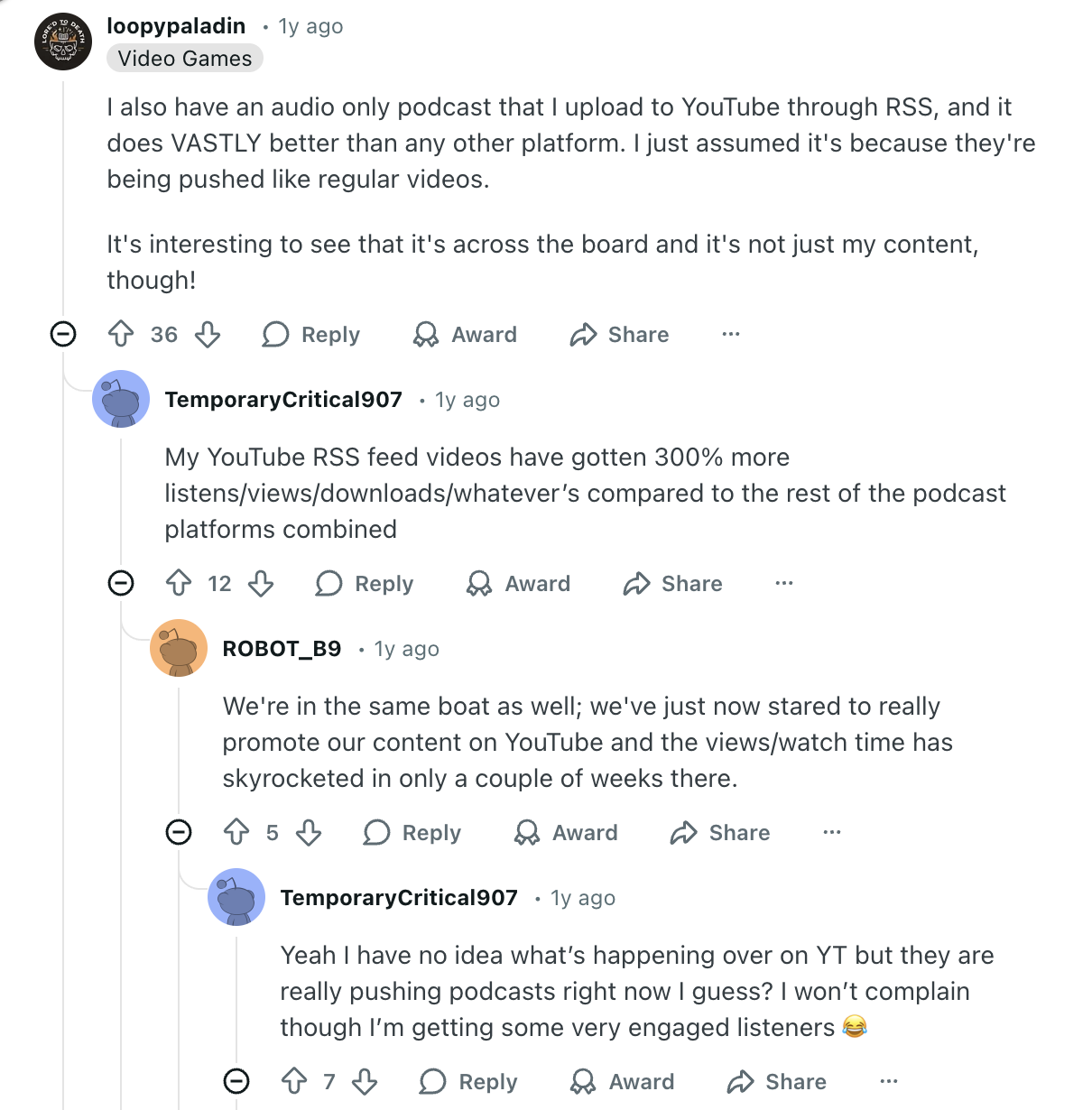
- YouTube is the world’s podcast app now. Long-form watch time is still climbing, and the algorithm loves channels that ship both episodes and Shorts from the same feed.
- Clips travel. One strong 45-second insight can pull thousands of people into a 45-minute interview—free top-of-funnel without paid ads.
- Trust is visual. Seeing faces and reactions keeps viewers through answers that would be skipped in audio-only.
- Sponsors and partners pay more for video placements and on-screen demos. Even if you’re tiny, having the format ready makes those conversations easier.
- You get SEO twice: YouTube search + traditional podcast directories. Most shows only play in one lane; you can own both.
If you wait, you’ll step into a busier lane later.
The “don’t overthink it” starter format
Formats die when they depend on luck. Pick something you can run for 10 weeks straight:
- Two chairs, one table, one topic. Reset takes five minutes; nobody rebuilds a set.
- Fixed runtime. Choose 45 or 60 minutes. Consistency helps thumbnails and viewer expectations.
- Three beats: story → demo/example → takeaway. Enough shape to avoid rambling, loose enough to stay human.
- Fallback episode: When a guest cancels, record a “mailbag” or “postgame” so the feed never goes dark.
The smallest kit that still looks legit
You don’t need a truck—just gear you can set up fast and break down without hunting for adapters.
- Audio: Two dynamic mics (SM58, PodMic, MV7) on arms into a two-channel interface or Zoom P4/Rodecaster. 48 kHz sample rate so audio and video stay in sync.
- Video: Two mirrorless bodies (A6400/XS10/ZV-E10) on tripods. Frame singles on each speaker; add a wide only if you already own a third camera.
- Lighting: Soft key per host plus a practical or cheap fill. Match skin tone across angles.
- Monitoring: Closed-back headphones for both people, and a small HDMI monitor so you can see framing without standing up.
- Backups: Record ISOs to SD on each camera and to the interface/recorder. Redundancy is cheaper than reshoots.
Label every cable. Build a “go bag” with fresh cards, charged batteries, gaffer tape, and a marker.
Make the room easy to listen to
Editing can’t fix a noisy HVAC or a reflective desk. Spend 20 minutes taming the space before you ever hit record.
- Kill fans, fridges, and AC if you can. If not, move mics closer and angle them away from noise sources.
- Throw a rug under the table and blankets on reflective walls that sit opposite your mics.
- Keep laptops off the table or use a second surface so vibration doesn’t travel into the arms.
- Ask everyone to wear quiet fabrics and remove jangly jewelry. It matters more than a fancy preamp.
If you want to go deeper on room treatment and mic technique, our podcast recording series covers every step in detail.
Do a 30-second room tone capture. You’ll use it later to smooth edits and teach your noise reduction what “silence” sounds like.
A preflight that keeps things calm
On video shoots, the disasters are boring: dead batteries, clipped mics, missing cards. A quick preflight takes most of that stress off the table.
- Format SD cards and name the session folder before guests arrive (
show-2025-02-20-guest-name). - White balance and match exposure on both cameras. Avoid auto-anything unless you trust how it behaves mid-gesture.
- Set levels so peaks land around -12 dB. If someone laughs loud, back them off or move the mic an inch.
- Clap once in front of all cameras to give yourself a sync spike. Even if you use timecode, the spike is insurance.
- Start all recorders, then hit the backup (screen record, audio ISO) after. Say the date and episode title out loud—it helps in post.
Host flow that keeps viewers watching
We see the same on-camera habits that make edits painful. Coach hosts to:
- Look at each other, not the monitors. Glances to camera are fine when intentional.
- Pause before answering. That beat saves you from smashing jump cuts together later.
- Use hand cues when they want to jump in, so they don’t overlap and create unusable crosstalk.
- Hold props still when not using them. The mic will hear every tap and slide.
Record a 5-minute “practice cold open” before the real take. It warms up the room and gives you a B-roll cushion if an intro falls flat.
Editing plan that proves this is doable
If you know the edit map, ingest is calm and fast. Here’s how we prep:
- Foldering:
01-camera-a,02-camera-b,03-audio,04-assets (gfx/music),05-exports. Drop a README.txt with the format so future you remembers. - Sync: Use the clap spike to sync in Premiere, then flatten to a multicam clip. If you want a faster start, let WizCut handle the angle switching and spit out an XML. Our multicam editing guide walks through the full process.
- Cut rules: Stay on the speaker for clarity; cut to reaction only when it adds context. Avoid rapid cuts during serious answers—let the content breathe.
- Audio polish: High-pass at 80 Hz, light noise reduction, gentle compression (3:1). Keep both speakers within 1–2 dB of each other so the viewer never rides the volume. Check your final levels with our podcast loudness guide or the free loudness checker. Got long pauses to clean up too? Our free podcast silence remover tightens them right in the browser.
- Captions: Burned-in captions on social clips, not the full episode. Full captions live with the episode on YouTube and RSS.
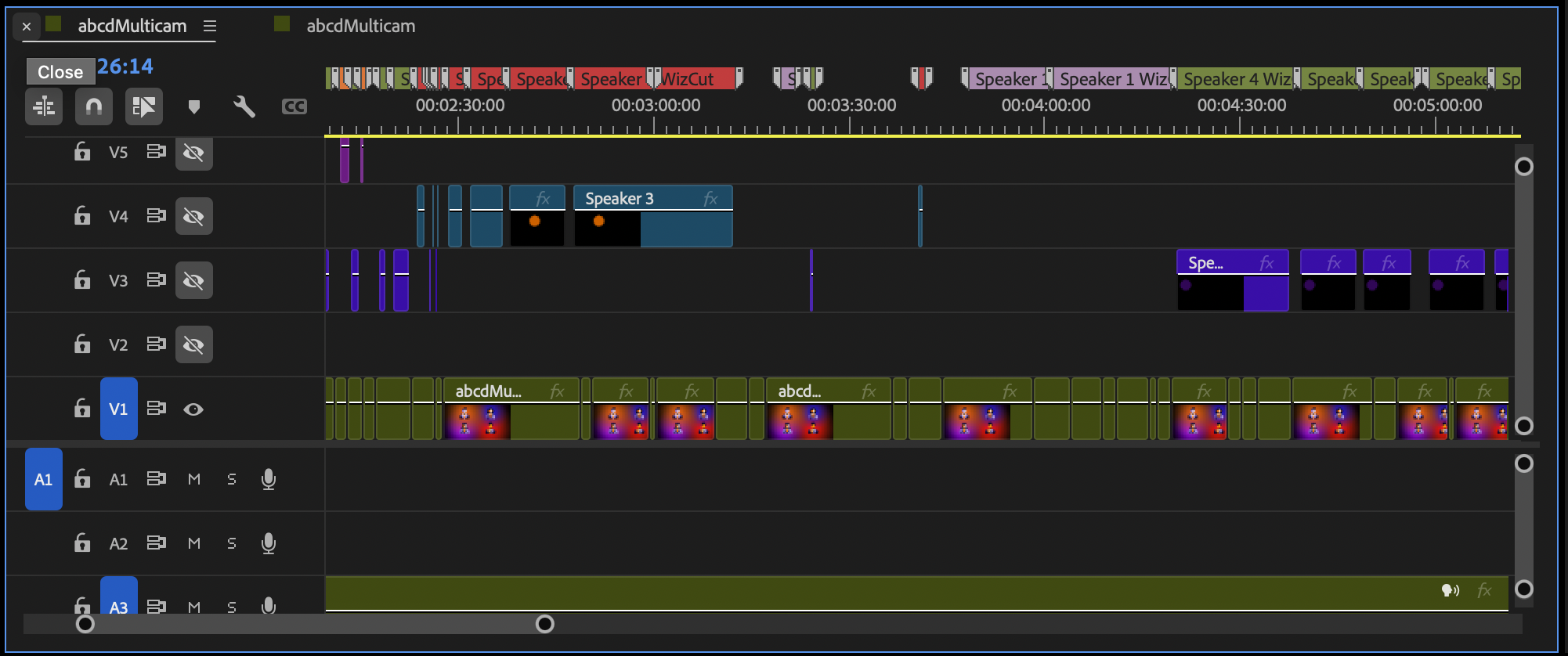 WizCut: Automatically generated multicam timeline
Publishing path that maximizes the upside
Meet viewers where they hang out, but avoid over-promising. Our default stack:
- Full episode on YouTube (video-first) and RSS (audio-first). Same title, tailored thumbnails.
- Three to five vertical clips for Shorts/Reels/TikTok, each with one idea and burned-in captions. The audiogram maker can help with these.
- One LinkedIn/X post with a behind-the-scenes note about what you learned making the episode.
- A short newsletter blurb linking to YouTube and RSS, plus one still frame from the shoot.
Keep descriptions simple: what the episode is, who’s in it, and one clear reason to watch. Skip clickbait; consistency beats spikes.
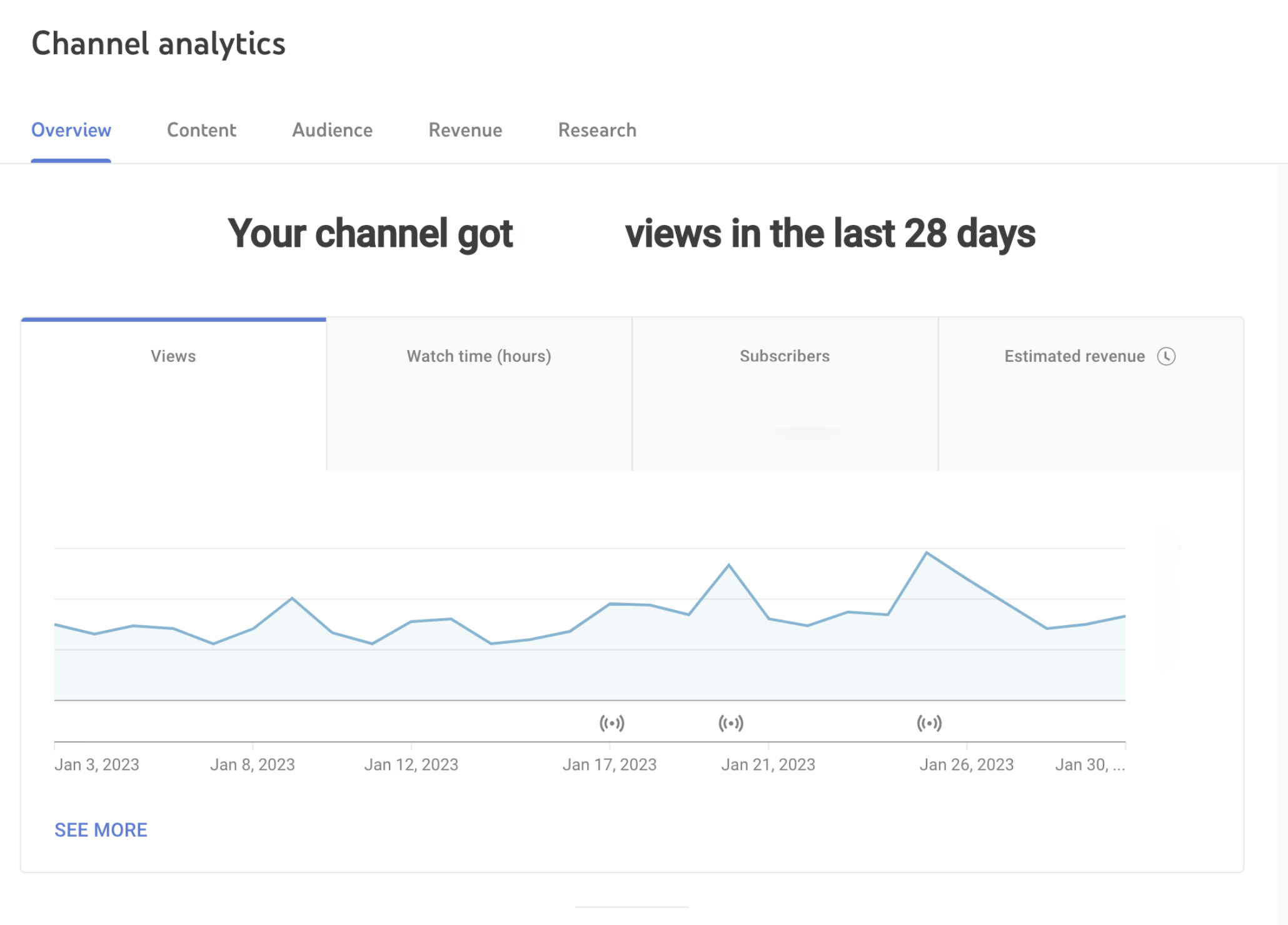
Measure momentum with boring, useful metrics
You don’t need a dashboard wall. Track a few signals per episode:
- YouTube: click-through rate on the first 48 hours, average view duration, and percentage viewed. If CTR is bad, thumbnails or titles need work; if duration dips at the same spot, trim that segment next time.
- RSS: downloads in 7 days and completion rate. If completion is low, tighten intros and remove long midrolls.
- Clips: save rate and shares matter more than raw views. If people save, the idea landed.
- Workflow: time to set up, time to edit, time to export. If setup takes longer than the episode, simplify the room.
Write a 5-line retro after each publish: one thing to keep, one to drop, one experiment for next time, one tech fix, one guest you want.
Where WizCut fits
WizCut handles the multicam switching so you can publish faster without losing the vibe. Clean inputs make it shine: predictable room tone, clear turns, and a clap spike to lock sync. If you edit in Premiere Pro, WizCut works as an extension that drives the angle changes right inside your timeline. If you’d rather skip the NLE entirely, the standalone web version lets you upload your footage, review and adjust cuts in a browser-based editor, and download the finished video — same AI, no software to install. Either way, you spend your energy on story beats and pacing instead of robotic camera switching. It’s a shortcut to get from “we should start a video pod” to an episode on YouTube without living in the timeline.
A calm launch checklist
Before you record episode one, it helps to run through this:
- Pick a repeatable format and runtime.
- Assemble the smallest kit that fits your room.
- Treat the room: rugs, blankets, quiet fans, close mics.
- Run the preflight checklist and clap sync.
- Record a practice cold open to warm up.
- Ingest with folders, sync once, let WizCut handle the angles.
- Publish in two places people actually watch, then post clips where they already scroll.
- Retro in five lines. Adjust one thing at a time.
Launch doesn’t need fireworks. It needs a repeatable flow that keeps you shipping. If you get stuck, DM me your room photo and your kit list—I’ll happily send back a simple map for your next session.