November 5, 2025
Run the Session Like a Relaxed Producer
Minute-by-minute flow, cues, and backups so you leave with clean takes.
This article is part of Getting Started with Podcast Recording. Start there if you want the full playbook.
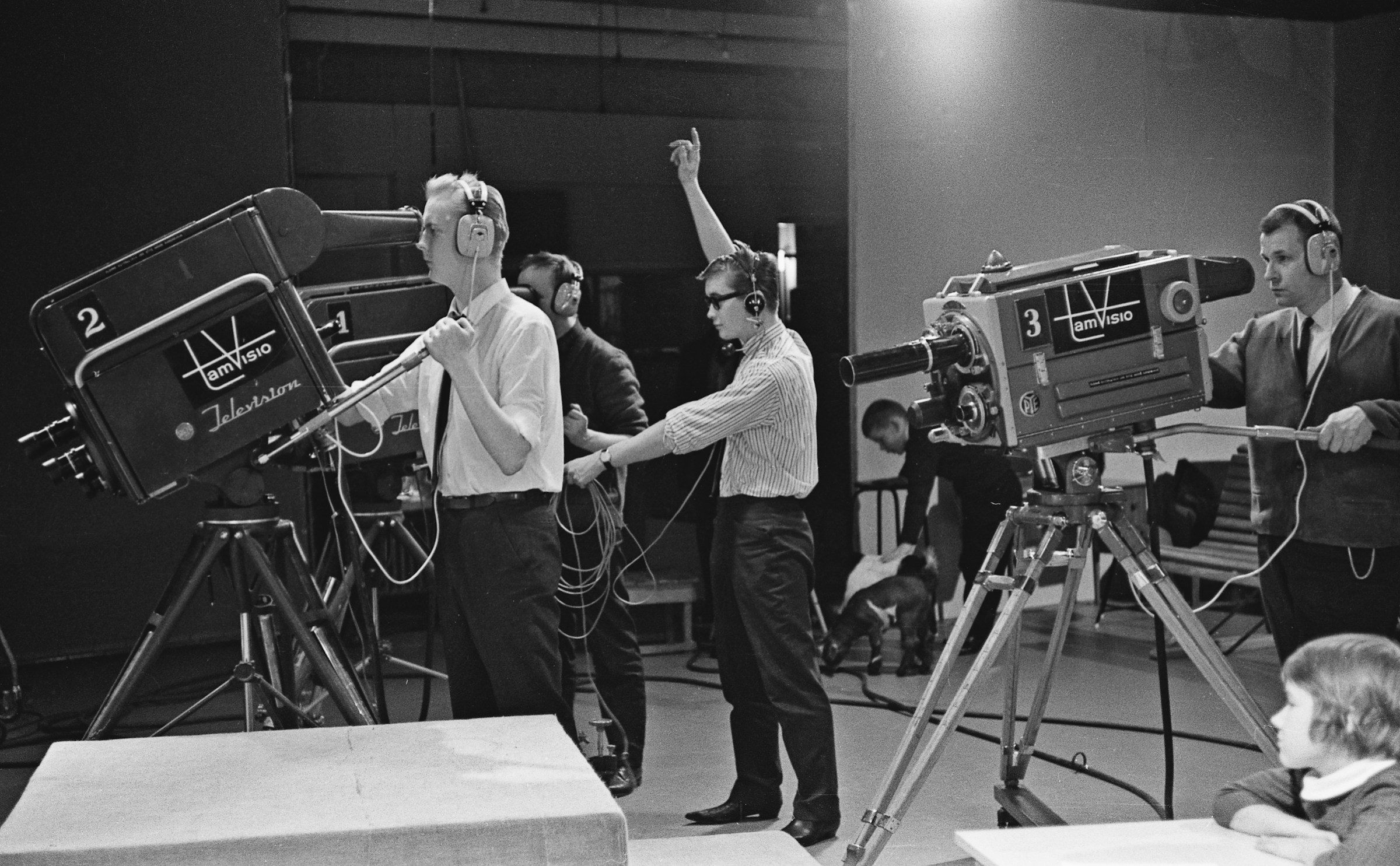 Filming a television program at Frenckell’s studio in Tampere, 1965
Recording day feels calm when it runs like a tiny live show: clear beats, quiet cues, and fast safety checks. Here’s the 60-minute flow small teams use to leave with clean takes and zero panic.
The 60-minute flow
| Time stamp | What happens |
|---|---|
| −15:00 | Hosts power up gear, check cables, and play a one-minute reference track to confirm monitoring or meter levels. |
| −10:00 | Guest arrives. Offer water, headphones if they want them, and a quick restroom break. |
| −07:00 | Walk through the run of show, confirm consent for audio + video clips, answer last questions. |
| −05:00 | Warm-up questions and level check from the prep doc. Adjust mic distance or chair height. |
| −02:00 | Clap slate for sync, confirm backups are rolling, silence phones and notifications. |
| 00:00 | Host intro + housekeeping (30 seconds). Start the conversation. |
| +15:00 | Glance at meters, drop a DAW marker labeled “clip idea,” swap batteries if needed. |
| +30:00 | Quick reset: offer a water break, encourage posture check, make sure everyone still likes their monitoring choice. |
| +45:00 | Flag any final beats to cover. Mark standout quotes as they happen. |
| +55:00 | Wrap, thank the guest, confirm promo deliverables and follow-up timeline. |
| +60:00 | Stop all recordings, swap fresh batteries/SD cards if another session follows. |
Keep the timeline visible on a whiteboard or tablet so everyone sees the plan. If a conversation runs long, decide together whether to extend or bookmark the tangent for a future episode.
 Recording instantaneous discs in the 1940s. Pre tape recording tech
Calm the room in real time
Recording jitters show up even after great prep. Small cues keep shoulders down:
- Use a visible countdown—three fingers, then two, then one—before announcing “We’re rolling.” Everyone exhales together.
- Agree on hand signals: a flat palm to slow down, a pointed finger to pass the next question, a small circle to revisit a topic later.
- Schedule micro-pauses at the midway mark for stretches or water. They reset posture and keep chair squeaks under control.
If a host blanks on a question, prompt gently: “Let’s bookmark that and come back after this next idea.” Drop a marker titled “retake” so you can tidy it cleanly.
Keep the conversation flowing
Switching speakers smoothly is the difference between a relaxed edit and a chaotic one.
- The host asking the current question keeps a hand lightly on the table. When they’re ready to hand off, they tap their notes once. The co-host leans in.
- Keep the prep notes visible but off-camera. When you need to reroute, say “Let’s park that for the bonus clip” so everyone knows it’s intentional.
- Encourage hosts to glance at the guest rather than the meters. Body language is the best cue for when someone still has more to share.
Mark clips as you hear them
Don’t trust future memory. Drop markers the moment something feels like a standout:
- Hit
Min the DAW and label it “Clip – origin story” or “Promo – burnout quote.” - On hardware recorders, tap the marker button or jot the timecode on a notepad.
- If you’re flying solo, a soft finger snap creates a tiny spike in the waveform that’s easy to spot later.
When the files land in your editor, those markers point straight to highlight moments that deserve their own reels.
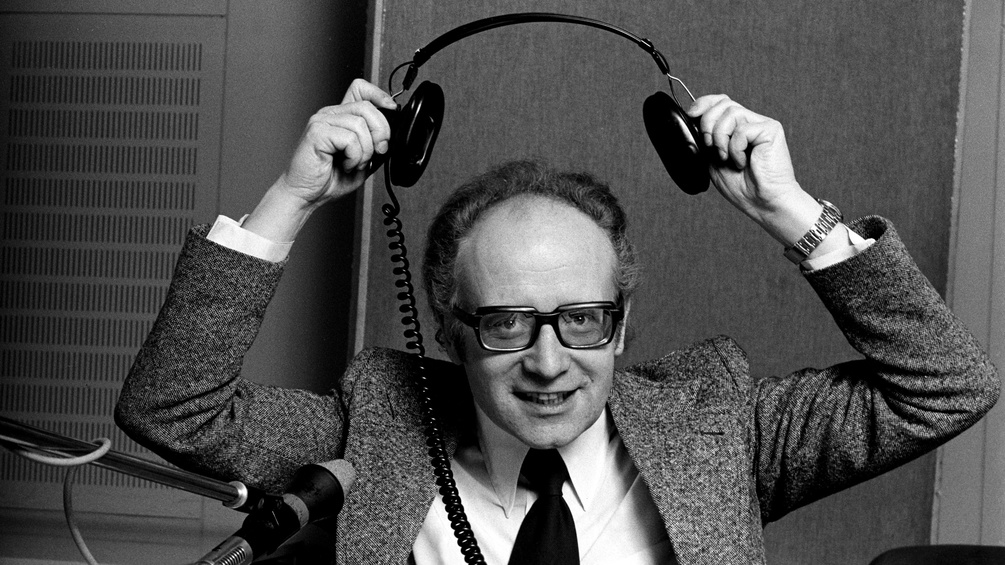 Austrian radio presenter Ernst Grissemann removing his headphones
Run backups and fail-safes
Assume something will hiccup and you’ll never panic again.
- Swap SD cards and batteries before they’re empty. Set a 45-minute timer as a reminder.
- Record in parallel: laptop capture plus hardware backup plus at least one camera with decent scratch audio.
- Keep fresh cables within arm’s reach. If one crackles, pause with confidence: “Hold that thought while we swap this cable.” Restart with a new slate clap.
If the main recording stops unexpectedly, shout “Mark” so the backup file has an obvious spike, restart everything, and announce “Take two” to help syncing later.
Reset files before teardown
Wrapping cleanly saves hours in post.
- Stop every recorder, then verify the files actually wrote to disk.
- Name the takes on the recorder if it allows it (
show-2025-10-ep12-take1). - Copy media to the ingest drive immediately. Confirm sizes match before erasing cards.
- Log standout markers or clip ideas in a quick notes doc while the memory is fresh.
Only after the data is safe should lights, blankets, and stands go back in their bins.
Close with a celebratory ritual
End the session the way you want to start the next one—on a high note.
- Take a group photo or selfie for the archive (and future promo).
- Share one takeaway or quote that stood out.
- Play thirty seconds of the raw capture through monitors or headphones so everyone hears how good it already sounds.
Send a quick follow-up voice memo or DM: “Episode in the bag—clips arriving Wednesday.” Momentum carries straight into the edit.
Ready for the edit
Follow this flow and the files drop cleanly into your editing software, ready for WizCut to take over the camera switching. Want more ways to smooth recording day? Explore the other guides in this series or head to the WizCut home page to see how the tool trims the edit marathon down to a sprint.